The wearable-data paradox
A modern watch is a superb sensor. It reads your heart rate every few seconds, logs every night's sleep in stages, records every workout with GPS and calories, tracks your weight each time you step on the scale. The data it generates is genuinely rich and genuinely yours.
Then it hands that data to an app that shows you almost none of it. Samsung Health, Apple Health, Garmin Connect — they all present roughly the same thing: today's numbers, this week's, maybe a graph. Clean, glanceable, and closed. Ask a real question — what was my average heart rate across every crosstrainer session in 2025? did my resting HR drift up in the months I traveled most? how did long-haul flights affect my sleep recovery? — and the app has no answer, not because the data is missing but because the UI was built for a casual reader glancing at a dashboard, not for anyone who wants to actually interrogate their own history.
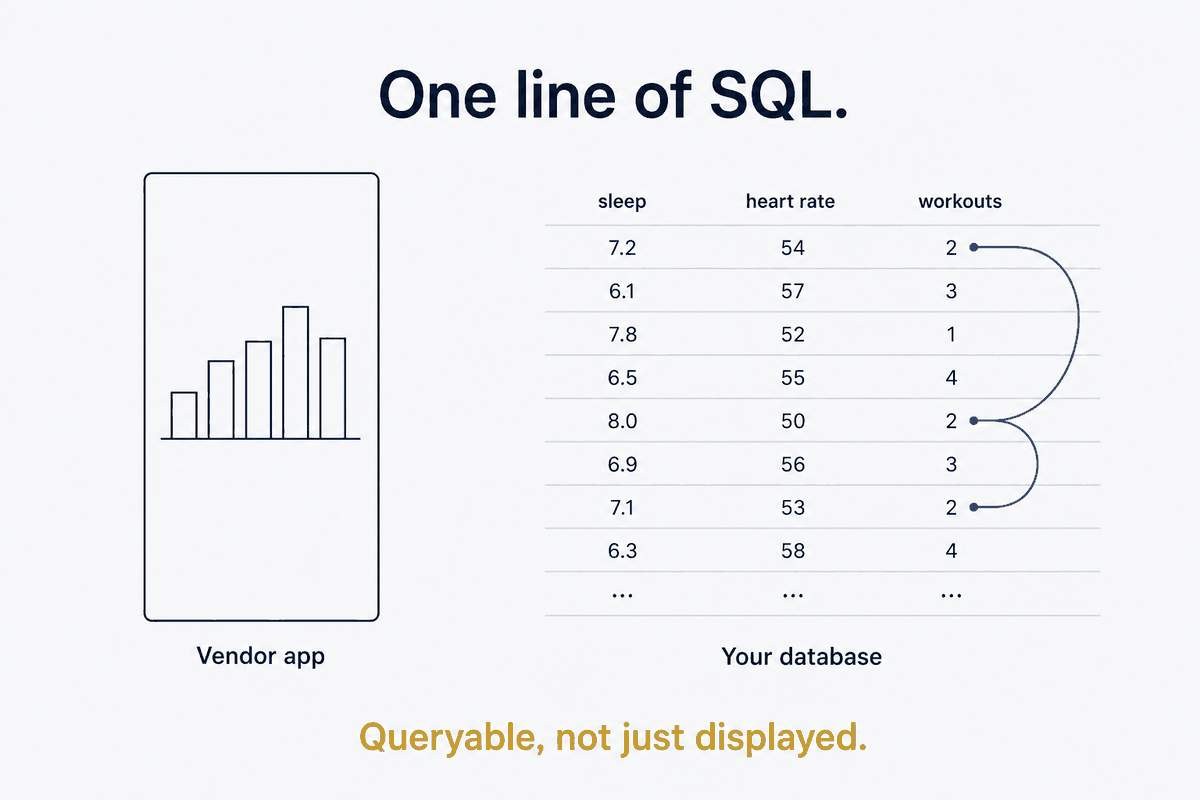
That's the paradox: the data is there, and it's yours, and you can't query it. The silo isn't a data problem. It's an interface problem — and interface problems have a clean structural fix: get the data out from behind the interface and into something you can point SQL at.
Why DuckDB is the right home for personal analytics
The tool that makes this cheap enough to bother with is DuckDB, and it fits personal data almost suspiciously well.
It's file-based — no server to run, no Docker, no daemon to keep alive; a database is just a file on your disk. It speaks SQL — the query language every analyst already knows, so you're not learning a bespoke syntax to ask your own data a question. It's local — the data stays on your machine, never uploaded, which for a complete record of your body's signals is not a small thing. It's fast at scale — millions of heart-rate readings query in under a second, so raw sensor data is no burden. And it reads whatever the vendors dump — CSV, JSON, Parquet — so an export in any format lands with minimal wrangling. For owning analytical personal data, DuckDB is the unsung hero: all the power of a real analytical database, none of the operational weight.
The schema you actually want: raw events under daily-aggregate views
Once the export has landed — and getting it there reliably is its own pipeline, which this piece assumes rather than repeats — the shape that makes the data useful is two-layered.
Underneath sit the raw event tables — one row per heart-rate reading, per sleep record, per exercise session — kept intact for any ad-hoc question you'll think of later. On top sit daily-aggregate views that roll those events up to the grain a daily-note wants: one row per day, per metric.
CREATE VIEW v_exercise AS
  SELECT start_time::DATE AS day, exercise_type, duration_min,
         mean_hr, max_hr, calories, distance_m, start_lat, start_lon
  FROM exercise;

CREATE VIEW v_heart_rate AS
  SELECT timestamp::DATE AS day,
         ROUND(AVG(hr), 0) AS hr_avg, MIN(hr) AS hr_min, MAX(hr) AS hr_max
  FROM heart_rate GROUP BY 1;

CREATE VIEW v_sleep AS
  SELECT sleep_date AS day, total_min, rem_min, light_min, deep_min,
         awake_count, efficiency_pct
  FROM sleep;
The views are the unit of analysis for anything day-shaped; the raw tables stay underneath for the questions you haven't asked yet. And because they're views, not materialized copies, they cost nothing to keep — the query rebuilds them on demand from the events. This is the same discipline that runs through the whole system: the database is a view, not the master — here, even inside the database, the daily rollups are views over the events, never a second frozen copy that can drift.
Landing it in the daily-note — and the section you must never touch
The morning enrichment queries those views for the day and drops the results into the note as sections — a ## Workouts table, a ## Health metrics block, a ## Sleep summary — so the numbers live in context, next to what you actually did that day, rather than in a separate app you have to remember to open.
There's a hard rule governing this, and it's important enough that it's defined once in the umbrella piece and obeyed everywhere: the enrichment writes only the whitelisted auto-sections (Workouts, Health metrics, Activity, Sleep) and never touches the manual ones (Notes, Reflection, Decisions). That boundary exists because an early version once overwrote a hand-written reflection paragraph — a real, unrecoverable loss — and section-protection is now enforced, not hoped for. When a script and a human co-edit the same file, the machine gets the facts and the human keeps the meaning, with a machine-enforced line between them.
The retrospective unlock
The instant daily health data lives in a queryable database, every aggregate you never bothered to compute becomes one line of SQL:
-- Total active hours this year
SELECT SUM(duration_min)/60 AS active_hours
FROM v_exercise WHERE day >= '2026-01-01';

-- Monthly resting-HR trend (exclude workout spikes)
SELECT date_trunc('month', day) AS month, AVG(hr_avg) AS resting_hr
FROM v_heart_rate WHERE hr_avg BETWEEN 50 AND 80
GROUP BY 1 ORDER BY 1;
Total active hours, resting-HR trend across a year, sleep-efficiency by season — these were always computable from the data the watch collected, and were always locked behind an app that wouldn't compute them. Now the year-in-review nearly writes itself, because the numbers were structured on the way in. The retrospective stops being a thing you'd need to sit down and assemble, and becomes a query that's been ready the whole time.
The real payoff: the join your wearable app can't do
Everything above is worth doing, but it's not the reason to do it. Health data queried alone is interesting. Health data joined to your other data is where it becomes something no vendor app will ever offer — because the vendor only has their silo, and the join lives across silos, in the database you own.
Because your exercise table carries a location and a timestamp, and because your other personal databases are keyed on the same dates and places, the joins write themselves:
- Workouts × locations — join exercise sessions to your location history and see where you actually ran and walked, mapped against the trips you took.
- HR-spikes × calendar — join heart-rate peaks to your calendar events and ask, with data, did those meetings actually stress me?
- Sleep × trip-dates — join sleep quality to travel and quantify how long-haul flights wreck recovery, and for how many nights.
- Weight × transactions — join weigh-ins to restaurant and grocery spending and watch eating patterns move the trend.
Each of these is a JOIN on a date or a location — trivial once the data is in one queryable place, and impossible while it's trapped in four separate apps that don't know about each other. This is the whole argument for owning the analytical layer: not that you'll query your heart rate more prettily, but that you can finally ask the questions that only exist between your sources. The cross-source join is the payoff. Everything before it was setup.
What this isn't, and the refresh reality
The honest boundaries. This is not medical — it's reflection and self-knowledge, not diagnosis; the sparse HRV, the occasional ECG, the noisy body-composition readings are fine for noticing trends and useless for clinical claims. It's not real-time — with no vendor API, the freshest data always has a one-to-two-month tail, because you export on a cadence (every four to six weeks is plenty; daily granularity is preserved in the export, so you lose resolution of recency, not of detail). And it's not a vendor replacement — the watch app stays for live coaching and glanceable today-numbers. You're not replacing the app; you're liberating the history it's sitting on and giving it somewhere to be queried instead of merely displayed.
Own the schema, and the silo opens
A wearable gives you two things and only lets you use one: superb data, behind a poor interface. The data is already yours; the silo is the whole problem. And the fix isn't a better app — it's refusing to let an app's UI be the only way you can reach your own history.
This is structure beats magic applied to the quantified self. The magic answer is a health app with smarter charts and an AI coach reading you your own numbers. The structural answer is to own the analytical layer: export the data once, land it in a local database, model it as raw events under daily views, and — the part that actually matters — join it to everything else you own. Do that, and the question your watch could never answer becomes one line of SQL, and the data it's been quietly collecting for years finally becomes something you can think with, not just glance at.
Part of the Structure Beats Magic series — the schema-and-analysis spoke under Data-Driven Daily Notes. How the export actually reaches the database is The Mobile Data Auto-Pipeline; the views-not-copies principle is Your Database Is a View; the location join connects to From Photo Library to Photo Memory.